





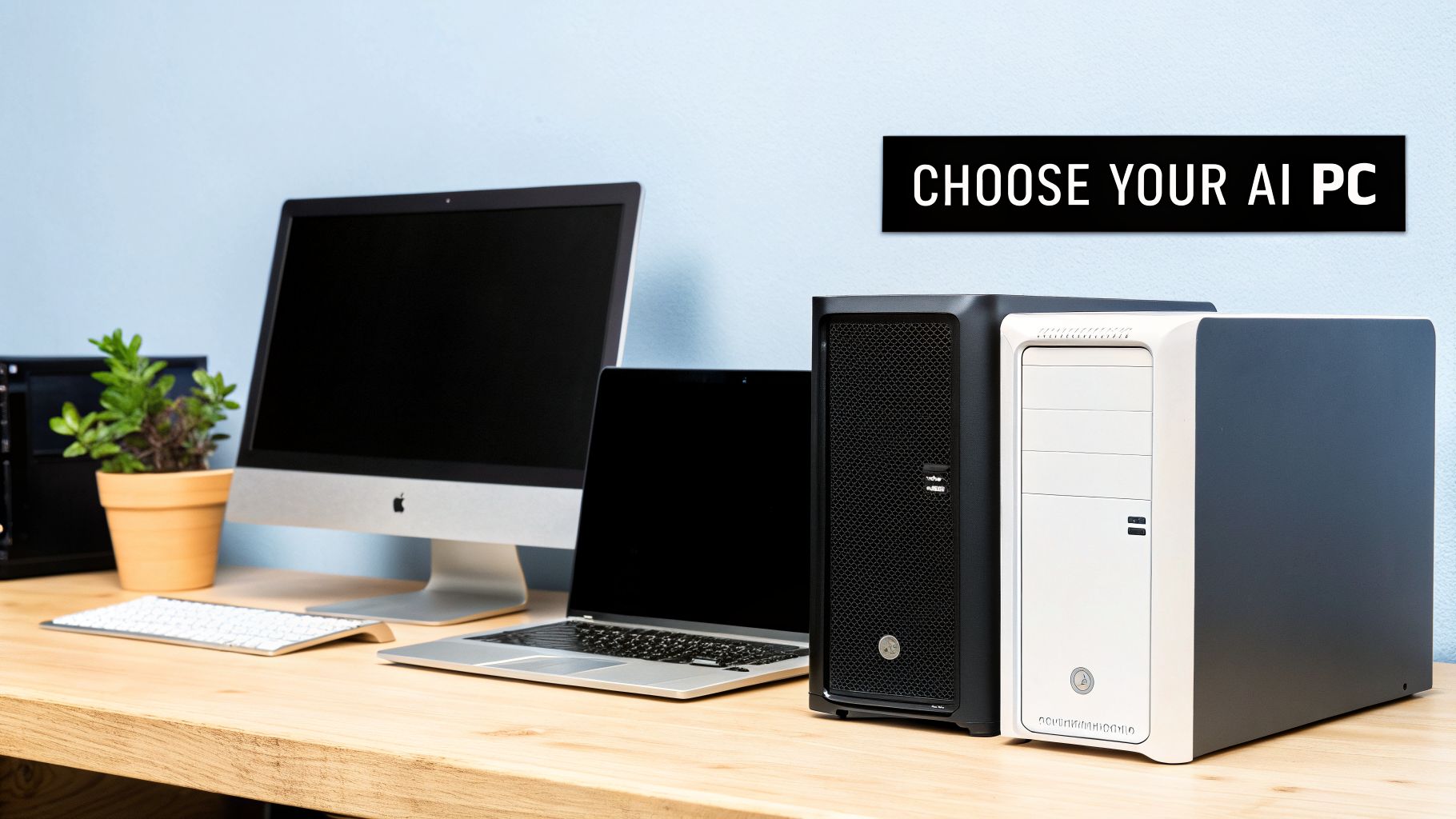
AI Computer Parts 2026 refers to the hardware components designed or optimized to handle artificial-intelligence workloads such as AI assistants, image generation, machine learning, video processing, automation, and local AI models. Modern AI PCs increasingly combine a CPU, GPU, NPU, RAM, SSD, and high-speed connectivity to distribute different workloads efficiently.
What is AI Computer Parts?
AI computer parts are components that help a computer process AI workloads faster and more efficiently. The biggest change in 2026 is the increasing importance of the NPU (Neural Processing Unit) alongside traditional CPUs and GPUs.
Example
Microsoft’s Copilot+ PC category requires an NPU capable of more than 40 trillion operations per second (TOPS) for many of its AI experiences.
Key AI Computer Parts in 2026
1. AI CPU
The CPU (Central Processing Unit) manages general computing tasks, operating-system operations, applications, and workloads that don’t need specialized acceleration. Modern processors increasingly include dedicated AI capabilities, allowing the CPU to work together with the GPU and NPU rather than handling everything alone.
2. AI GPU
The GPU (Graphics Processing Unit) remains extremely important for demanding AI workloads.
GPUs are particularly useful for:
- Generative AI
- AI image creation
- Video generation
- Machine-learning models
- 3D rendering
- Gaming with AI features
- Local large language models
For heavy AI development or content creation, a powerful discrete GPU can make a much larger difference than simply upgrading the CPU.
3. NPU
The NPU is one of the most important AI components in modern PCs.
It is specifically designed to process AI workloads efficiently while potentially using less power than relying on the CPU or GPU for every AI operation.
Microsoft describes Copilot+ PCs as Windows 11 computers equipped with NPUs capable of more than 40 TOPS, supporting features such as real-time translation and image-generation functions.
4. RAM
AI applications can consume significant amounts of memory.
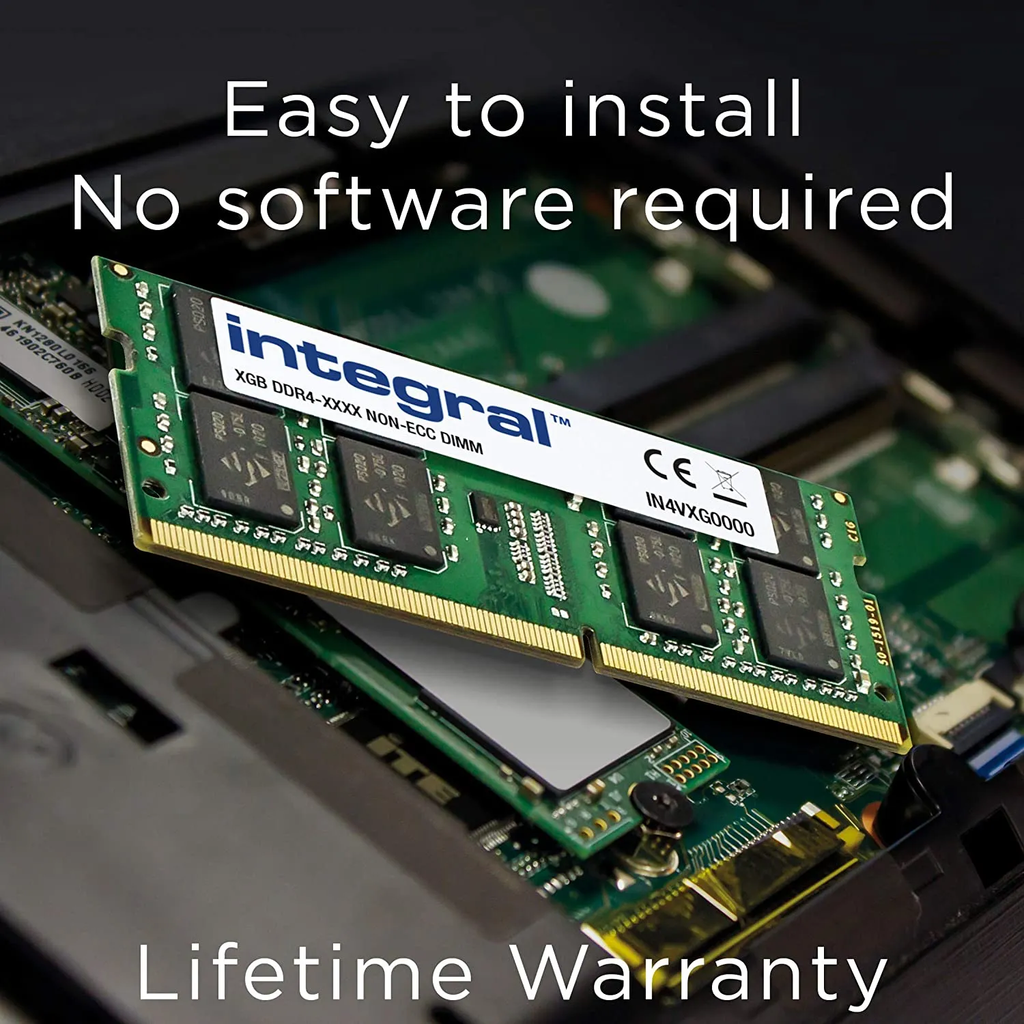
For an AI-focused computer, more RAM can help with:
- Running multiple applications
- Local AI models
- Large datasets
- Video editing
- Programming
- Virtual machines
- Multitasking
16 GB can work for everyday computing, while 32 GB or more is generally more comfortable for serious AI and creative workloads.
5. SSD Storage
AI models, datasets, applications, and generated media can require substantial storage.
An NVMe SSD provides fast loading and file transfers, making it useful for AI development, video production, and large datasets.
For an AI workstation, 1 TB or 2 TB can be a practical starting point, while professionals working with large models or media may need considerably more.
6. Motherboard
The motherboard connects the major computer components.
For an AI PC, it is important to consider:
- CPU compatibility
- RAM support
- PCIe generation
- GPU expansion
- M.2 SSD slots
- USB connectivity
- Networking
- Future upgrade options
A good motherboard can make the system easier to upgrade as AI hardware develops.
7. Power Supply
Power requirements increase substantially when using powerful GPUs.
A reliable power supply should provide enough wattage for the CPU, GPU, storage, cooling system, and future upgrades. Choosing a quality PSU is particularly important for high-performance AI workstations.
8. Cooling System
AI workloads can keep processors busy for long periods.
Good cooling helps maintain stable performance during:
- AI model inference
- Model training
- Rendering
- Video encoding
- Gaming
- Data processing
Depending on the system, this may involve a high-quality air cooler, liquid cooling, or a carefully designed case airflow system.
How AI Computer Parts Work Together
An AI computer does not depend on one component alone.
CPU → General tasks
GPU → Heavy parallel AI and graphics workloads
NPU → Efficient AI tasks
RAM → Active data and applications
SSD → Models, programs, and datasets
Motherboard → Connects everything
PSU + Cooling → Keeps the system powered and stable
This combination allows modern computers to divide workloads between specialized processors.
Benefits of AI Computer Parts
Faster AI Processing
Specialized processors can accelerate compatible AI workloads.
Better Efficiency
NPUs can handle certain AI tasks without placing the entire workload on the CPU or GPU.
Local AI
Powerful hardware makes it increasingly practical to run some AI models directly on a computer rather than sending every task to the cloud.
Better Creative Performance
AI-enhanced photo editing, video production, upscaling, transcription, and content-generation tools can benefit from specialized hardware.
Longer-Term Upgrade Potential
A system with sufficient RAM, PCIe expansion, storage, and power capacity can be upgraded as AI software and hardware evolve.
What Should You Look for in an AI PC in 2026?
For a general AI computer, prioritize:
CPU: Modern AI-capable processor
NPU: Preferably 40+ TOPS for Copilot+ class Windows features
RAM: 16–32 GB or more
Storage: 1 TB+ NVMe SSD
GPU: Integrated graphics for light AI; discrete GPU for demanding AI
Cooling: Strong enough for sustained workloads
Connectivity: Modern USB, Wi-Fi, and high-speed networking
Current Copilot+ PCs are available with processors from platforms including Snapdragon, AMD Ryzen AI, and Intel Core Ultra, showing that AI acceleration is becoming a mainstream PC design feature rather than a niche capability.
Advantages and Disadvantages
Advantages
- Faster AI applications
- Better multitasking
- More efficient AI processing
- Improved creative workflows
- Greater potential for local AI
- Better future readiness
Disadvantages
- Higher cost for powerful configurations
- High-end GPUs can consume substantial power
- More powerful components generate more heat
- Some AI software may not fully utilize specialized hardware
- Hardware requirements vary considerably between AI applications
Future of AI Computer Parts
The direction of PC hardware is increasingly toward heterogeneous computing using CPUs, GPUs, and NPUs together instead of expecting one processor to handle every workload. In 2026, this is already visible in mainstream AI PCs, while high-end systems continue pushing GPU, memory, storage, and interconnect performance for demanding AI workloads.
Final Thought
AI Computer Parts 2026 represent the transition from traditional PCs to AI-ready computing systems. The CPU remains essential, GPUs continue to dominate demanding parallel workloads, and NPUs are becoming increasingly important for efficient on-device AI. For most users, the best approach is not simply buying the most powerful component—it is building a balanced system with the right CPU + GPU + NPU + RAM + SSD + cooling combination for the intended AI workload.