








Best MTD-Compatible VAT Software for Small Businesses
MTD VAT Software Since April 2022, VAT-registered businesses generally need to submit VAT returns through Making Tax Digital (MTD)-compatible software. Whether you are required to register for VAT because your taxable turnover exceeds the applicable threshold or you have registered voluntarily, choosing compatible software is essential for keeping digital records and submitting VAT returns to HMRC.
However, there is no single VAT software solution that works perfectly for every small business. The right choice depends on factors such as business size, accounting requirements, budget, ease of use, automation needs, and whether you need additional features such as invoicing, payroll, expense tracking, or bank reconciliation.
This guide explores some of the strongest MTD-compatible VAT software options for small businesses, compares their key VAT and accounting features, and highlights free or low-cost options where available. The goal is to help business owners choose software that meets their current requirements while providing enough flexibility to support future growth.
What Makes Software MTD VAT-Compatible?
Not every accounting or bookkeeping package is suitable for Making Tax Digital (MTD) for VAT. To comply with HMRC requirements, your software setup must support digital record-keeping and electronic VAT submissions.
1. Recognised by HMRC
The software should appear on HMRC’s recognized software list for Making Tax Digital. This provides an important starting point when checking whether a product can be used for MTD VAT submissions.
2. Connects to HMRC Through an API
MTD-compatible software must be able to communicate with HMRC through its secure Application Programming Interface (API). This allows VAT returns to be submitted electronically from compatible software.
Simply uploading a spreadsheet, manually entering figures into the HMRC portal, or copying and pasting totals does not by itself satisfy the MTD submission requirement.
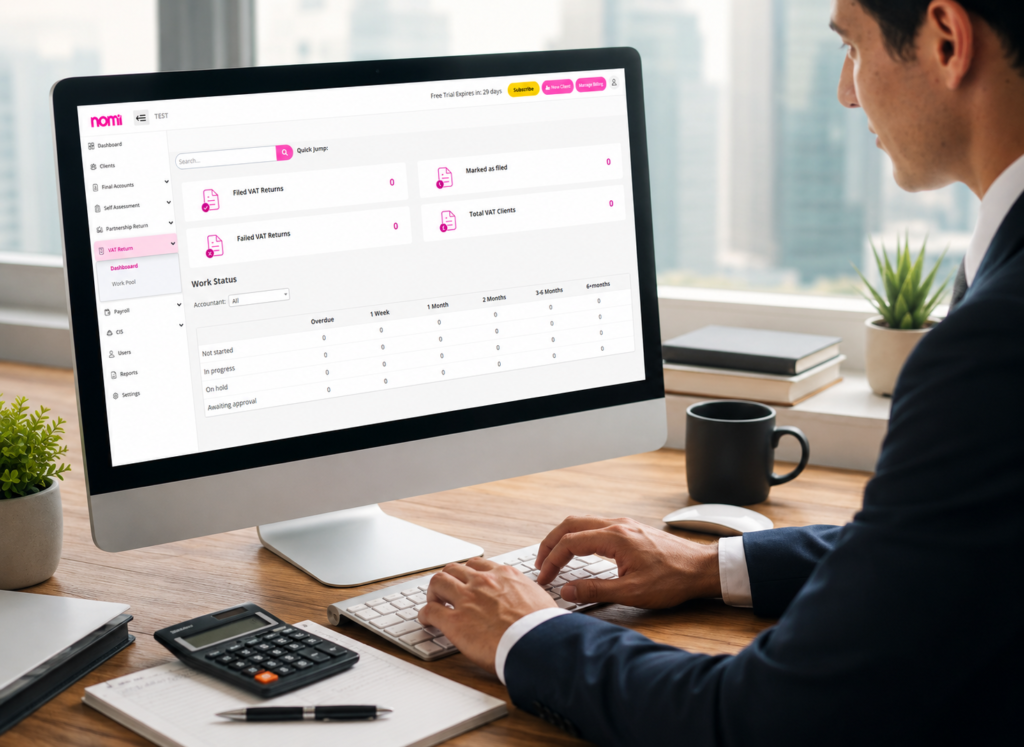
3. Supports Digital Links
The figures submitted on a VAT return should be supported by digital links to the underlying records. In practice, this means there should be a digital trail connecting relevant transaction data to the VAT figures used in the return.
For example, if your accounting records calculate your VAT totals, those figures should flow digitally into the software used to submit the return rather than being manually re-entered into another system.
Check Your Software Before Filing
If you are unsure whether your current accounting setup meets MTD VAT requirements, check HMRC’s current software guidance and confirm that your specific software supports the VAT functionality you need. Compatibility can vary between products and plans, so it is important to verify the details before submitting a return.
Comparison Table: VAT-Specific Features
The following comparison highlights key VAT-related features and starting prices for several MTD-compatible software options. Pricing and features can change, so businesses should verify the latest details with each provider before making a decision.
| Software | VAT Filing | Flat Rate Scheme | EC Sales | Price/month (from) |
| FreeAgent | Yes | Yes | No | Free via NatWest/Mettle or £34 |
| Xero | Yes | Yes | Yes | £37 |
| QuickBooks | Yes | Yes | Yes | £12 |
| Sage Accounting | Yes | Yes | Yes | £14 |
| VitalTax (bridging) | Yes | N/A | N/A | ~£2.50 |
| BTCSoftware (bridging) | Yes | N/A | N/A | Varies by practice |
Which Option Is Right for You?
The best choice depends on whether you need a complete accounting platform or simply a low-cost solution for submitting VAT returns. FreeAgent, Xero, QuickBooks, and Sage Accounting provide broader accounting functionality alongside VAT filing, while VitalTax and BTCSoftware are bridging options that may suit businesses with existing spreadsheets or accounting systems.
For a more detailed comparison, you can use an interactive MTD software comparison tool to filter options based on your specific VAT, accounting, and business requirements.
How to Switch VAT Software Mid-Year
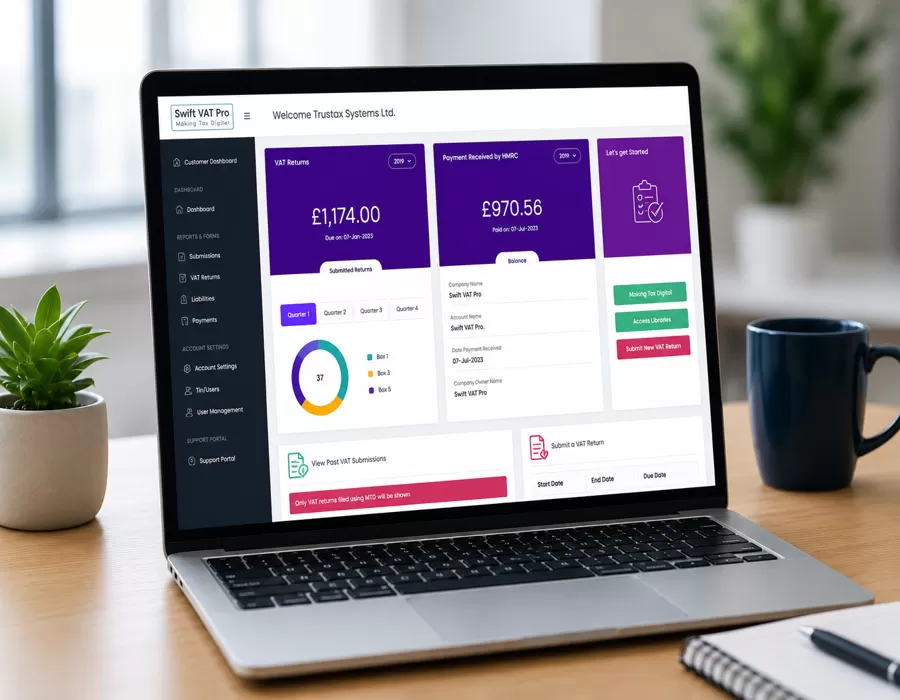
You can generally change your MTD VAT software between VAT periods without waiting until the end of the financial year. Before making the switch, however, it is important to preserve your records, maintain accurate VAT data, and ensure the new software is correctly connected to HMRC.
1. Export Your Existing Data
Before closing or cancelling your current software, create a complete backup of your records. This should include your chart of accounts, transaction history, customer and supplier information, invoices, payments, and relevant VAT records.
Where available, export the information in formats such as CSV or Excel so it can be retained or imported into the new system.
2. Check Your VAT Period
Although you can switch during the year, moving at the start of a new VAT accounting period can make the transition easier. It allows the new software to begin with a clearly defined period and can simplify reconciliation.
If you need to change software partway through a VAT period, make sure you clearly establish which system contains the records used to prepare and submit that return.
3. Connect the New Software to HMRC
Your new MTD-compatible software will normally guide you through the process of authorizing access to your HMRC VAT account. You will need to use the appropriate HMRC authentication process to grant the software permission to interact with your VAT records.
Before submitting your next return, confirm that the new software is properly connected and that the correct VAT registration details and accounting periods are being used.
4. Reconcile Opening Balances
Transfer or enter the appropriate opening balances into your new accounting system. Pay particular attention to VAT liabilities, outstanding invoices, bank balances, and customer and supplier balances.
Compare the new system against your previous records to make sure the balances are accurate before relying on it for your next VAT return.
5. Keep Your Previous Records
Do not immediately discard your old accounting data after switching. Keep appropriate records from the previous system so you can support past VAT returns and respond to HMRC queries if necessary.
For a straightforward small business, migration may take only a few hours. Businesses with large transaction volumes, multiple currencies, complex VAT arrangements, or many outstanding invoices should allow additional time and consider having an accountant review the migration.
Tip: Before switching, check that the new product supports all the VAT schemes and features your business currently uses. This can prevent unexpected problems when preparing your next MTD VAT return.
Conclusion
Choosing the right MTD VAT software is essential for keeping digital VAT records and submitting VAT returns to HMRC. HMRC requires VAT-registered businesses within the MTD rules to use compatible software, although businesses can use a combination of compatible accounting and bridging software where the required digital links are maintained.
For most small businesses, the best option is software that combines HMRC compatibility, easy VAT filing, reliable digital record-keeping, useful accounting features, and a price that fits the budget. Full accounting platforms can be suitable for businesses that need invoicing, expenses, banking, and reporting, while bridging software may work well for businesses that already maintain their records in spreadsheets or another accounting system.
Before choosing or switching software, check that it is currently recognized by HMRC and supports your specific VAT requirements. The right solution can make MTD compliance simpler, reduce manual work, and give you greater confidence that your VAT records and submissions are properly managed.