







AI Visual Editors are changing how software, websites, applications and digital products are created. By combining traditional visual development tools with artificial intelligence. These editors can help developers design interfaces, generate code, identify errors and speed up repetitive tasks.
What Are AI Visual Editors?
AI Visual Editors are development environments that combine drag and drop visual editing with AI-powered assistance. Instead of writing every line of code manually, developers can describe what they want or modify a visual component while the AI helps generate or update the underlying code.
Example a developer could request:
Create a responsive landing page with a navigation bar, hero section, pricing cards and contact form.
An AI assisted visual editor may generate the initial layout and corresponding code. Which the developer can then customize.
How AI Visual Editors Work
AI Visual Editors generally combine several technologies:
- Natural language processing to understand developer instructions
- Code generation to create HTML, CSS, JavaScript or framework specific code
- Visual interfaces for designing layouts
- AI debugging to identify potential coding problems
- Component generation for reusable UI elements
- Code suggestions to speed up development
- Responsive design assistance for different screen sizes
This creates a workflow where developers can move between visual design AI assistance and source code.
Key Benefits of AI Visual Editors
1. Faster Development
AI can automate repetitive coding tasks and generate initial implementations quickly. Developers can spend more time refining functionality rather than manually creating every basic component.
2. Easier UI Creation
Visual editors allow users to manipulate layouts directly. AI can complement this by suggesting components, styling options and page structures.
3. Rapid Prototyping
AI Visual Editors are particularly useful during the early stages of a project. Teams can quickly turn an idea into a working prototype and test it before investing significant development time.
4. Improved Productivity
Developers can use AI to generate boilerplate code, explain unfamiliar code, suggest improvements and handle repetitive tasks.
5. Better Collaboration
Designers and developers can work closer together because visual editing provides a shared representation of the product while the AI helps translate design requirements into code.
AI Visual Editors vs. Traditional Editors
| Feature | Traditional Editor | AI Visual Editor |
| Manual coding | High | Reduced |
| Visual design | Limited or separate | Integrated |
| AI assistance | Limited/optional | Core feature |
| Prototyping | Moderate | Faster |
| Code generation | Manual | AI-assisted |
| Learning curve | Can be steep | Potentially lower |
| Customization | High | High |
AI Visual Editors don’t necessarily replace traditional coding environments. Instead.They can provide another layer of assistance that makes development faster and more accessible.
How AI Improves Visual Development
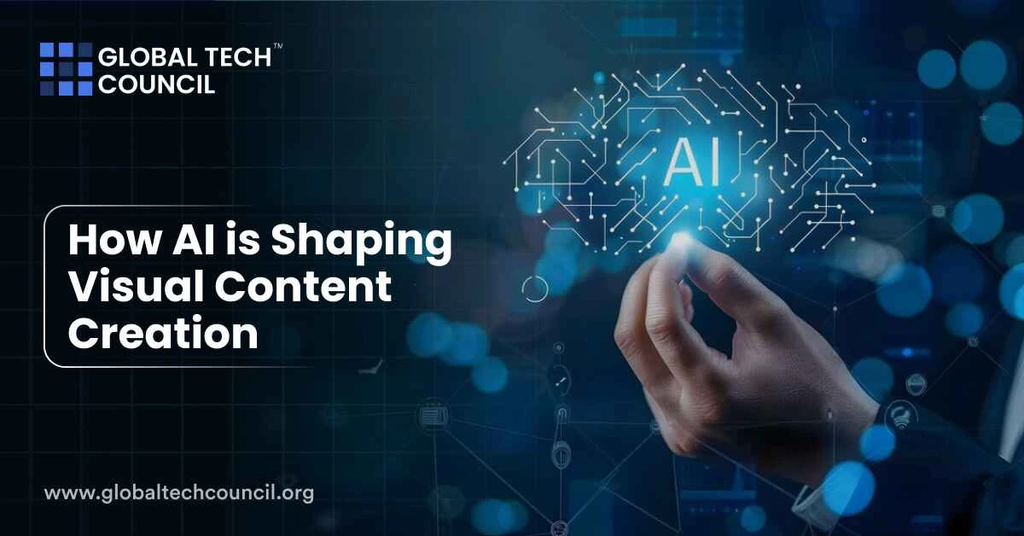
A developer might change the size of a button visually. While the editor updates the appropriate styling code. Conversely a developer can modify the source code and immediately see the visual result.
AI can add another layer by interpreting instructions such as:
- Make the page mobile friendly.
- Change the cards to a three column layout.
- Add dark mode.
- Improve the spacing.
- Create a reusable button component.
The AI then attempts to implement those requirements.
AI Visual Editors for Beginners
These tools can make development less intimidating for beginners because users can interact with visual elements instead of starting entirely from an empty code file.
However,
Understanding basic concepts such as HTML, CSS, JavaScript, responsive design, APIs and databases remains valuable. AI generated code can contain mistakes, inefficient solutions or security problems. The best approach is to use AI as a development assistant not as an unquestioned replacement for technical knowledge.
AI Visual Editors for Professional Developers
Experienced developers can use AI Visual Editors for:
- Rapid UI prototyping
- Boilerplate generation
- Component creation
- Refactoring
- Documentation
- Debugging assistance
- Responsive layouts
- Design-to-code workflows
- Repetitive development tasks
Professional developers still need to review generated code, architecture, dependencies, accessibility, performance and security.
Challenges of AI Visual Editors

Despite their advantages, AI Visual Editors have limitations.
Code Quality
AI generated code may work initially but still require optimization and cleanup.
Security Risks
Automatically generated code can introduce vulnerabilities if developers fail to review it carefully.
Loss of Control
Highly automated workflows can sometimes make complex projects harder to understand or maintain.
Dependency Problems
AI tools may suggest libraries or frameworks that aren’t appropriate for a project’s requirements.
Overreliance on AI
Developers who accept generated solutions without understanding them may struggle when something breaks.
Best Practices
To get the most from AI Visual Editors:
- Review generated code carefully.
- Use clear and specific prompts.
- Test every AI-generated feature.
- Check accessibility and responsive behavior.
- Monitor performance.
- Follow secure coding practices.
- Keep version control enabled.
- Understand important parts of the generated code.
The Future of AI Visual Development
AI Visual Editors are likely to become increasingly capable as AI models improve. Future tools may provide more sophisticated design to code conversion, real time debugging, automated testing and intelligent project wide code changes. The broader trend is toward natural language driven development. Where developers can describe an outcome and use visual tools to refine the implementation.
Final Thoughts
AI Visual Editors Smarter Development represents a shift toward a more interactive development process. By combining visual interfaces with AI powered coding assistance. These tools can reduce repetitive work, accelerate prototyping and help teams move from ideas to functional products faster. The strongest workflow is not AI instead of developers. But AI works alongside developers with humans providing architecture, judgment, creativity, testing and security oversight.